Getting Started
Quickstart
Create your p2 account and smart wallet account.
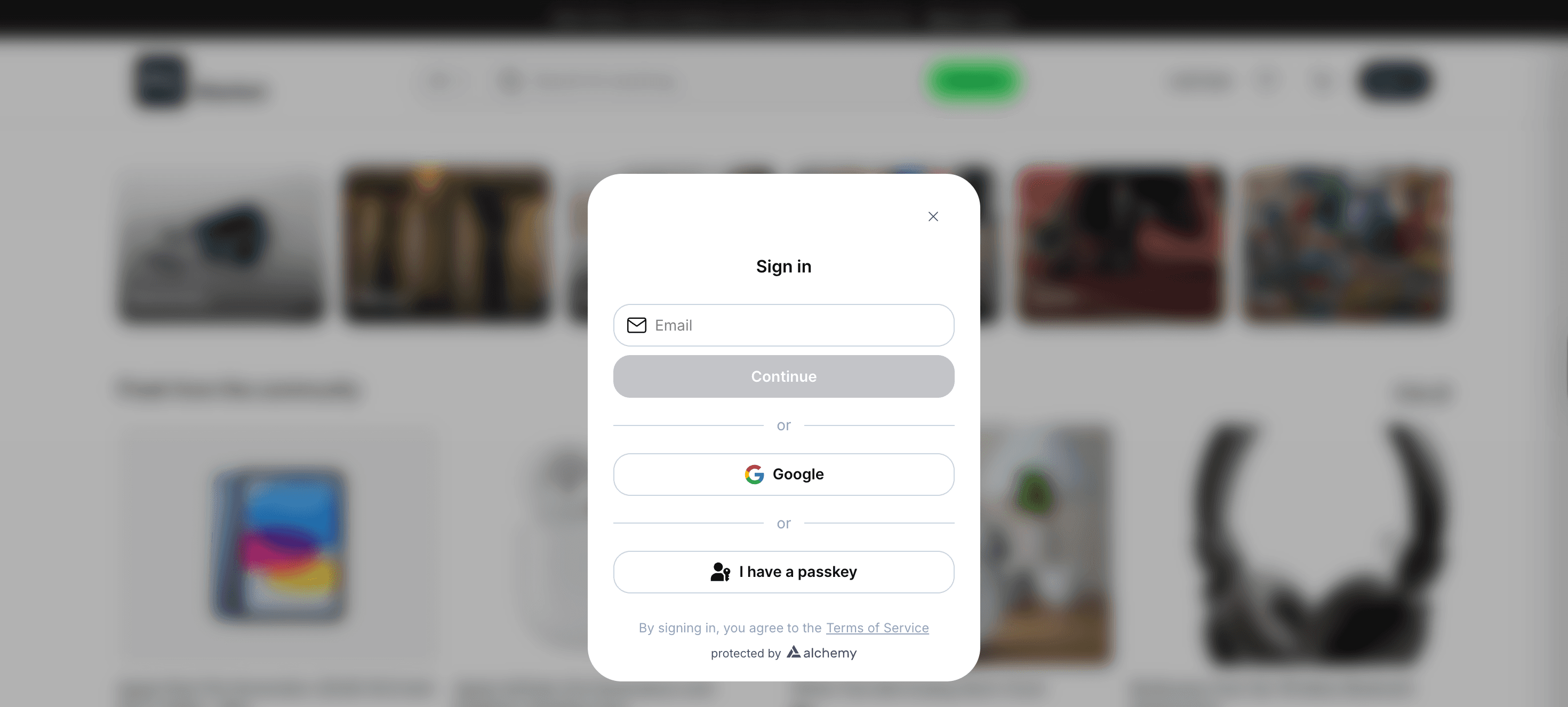
Use email or Google to create an account. This will create a smart contract wallet using your credentials on the Base blockchain. This wallet will be used for all marketplace transactions.
Info: If you want to learn about smart accounts and how they work, head over to this blog from Alchemy.
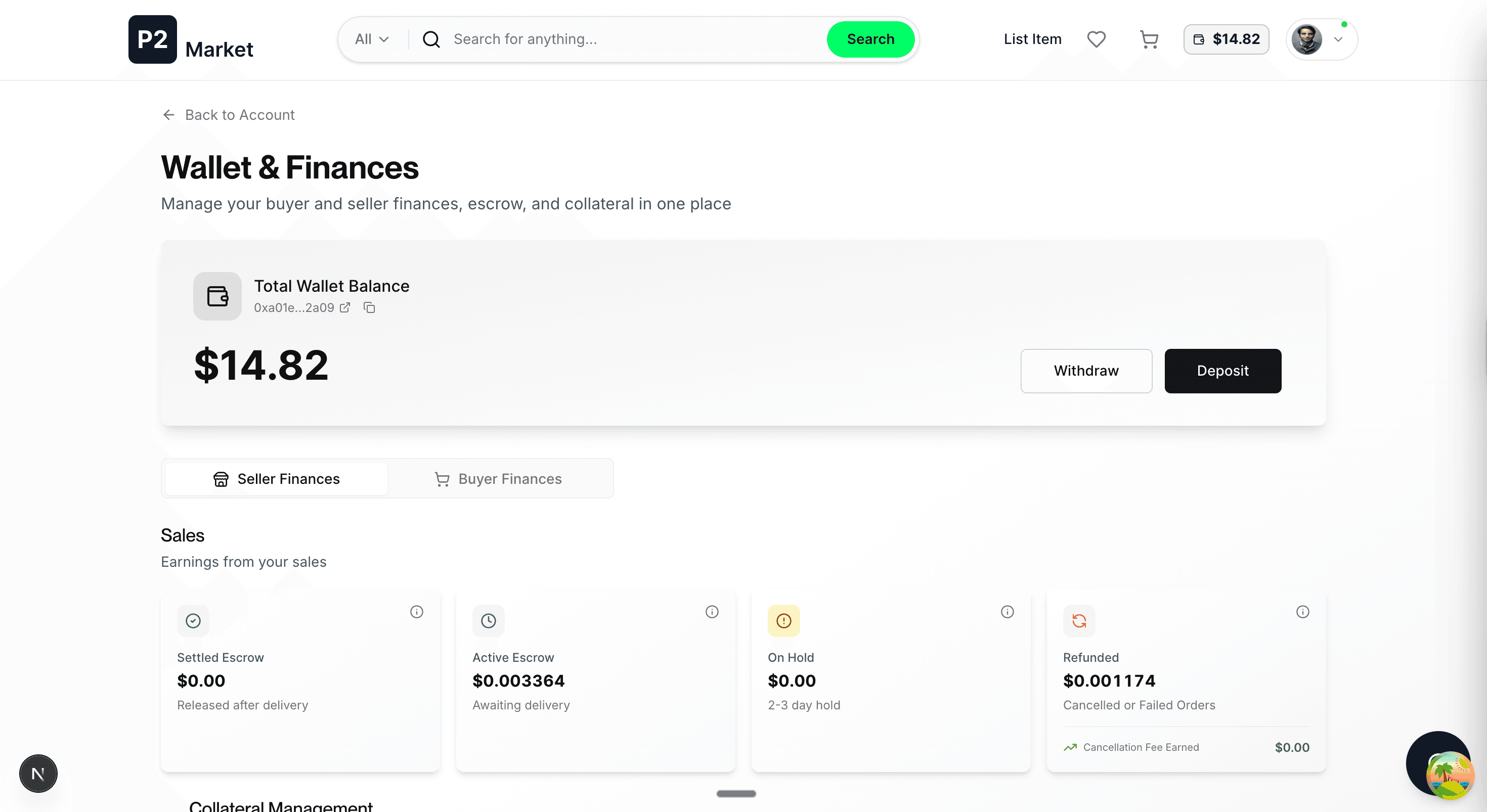
After you are authenticated, the smart wallet is created and you can see its available balance along with all of your aggregated transactions as buyer and seller on the wallet page. You will have a zero balance for a newly created account.
You can get to this page by clicking on the wallet icon on the top-right.